[en] The Quality desktop tab
[en] The RamBase desktop features a Quality tab with default widgets providing the user with information about various quality issues. It includes quality issues by Status and quality issues by category, as well as other useful information visualized in the form of key-figures, charts and lists.
[en] Quality and risk widgets
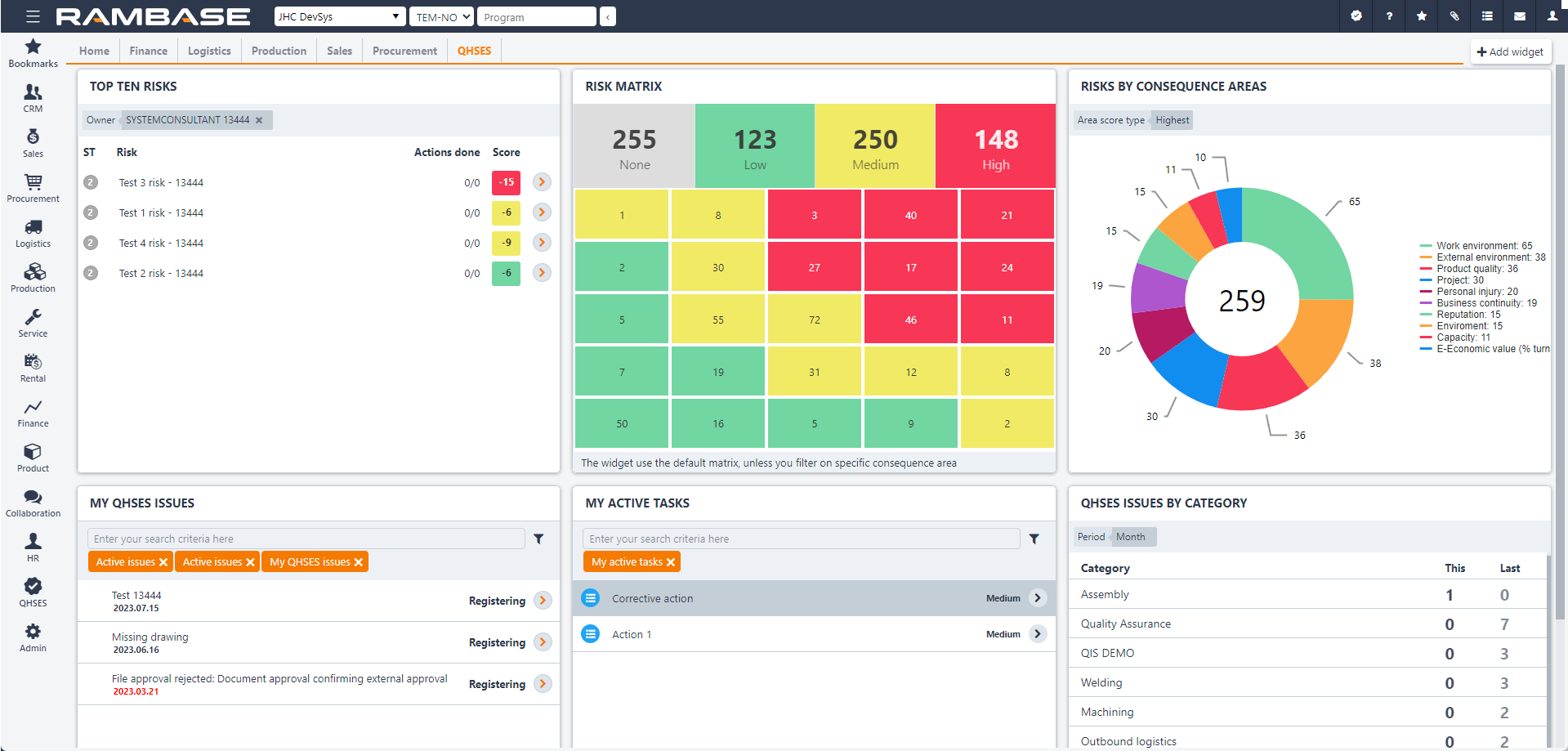
[en] The Quality and risk widgets may be added, removed, moved around and adapted to the users preference in various ways. More information about this is available here: Desktops and Widgets
Uwaga
[en] Quality and risk widgets may also be added to the Home tab of the desktop, not only the Quality tab.
[en] Quality reports (REP)
[en] To open Quality reports, select Quality in the RamBase menu, then Reports and finally Quality Reports. Users need the duty Process and review quality issues to access these reports.
[en] There are two available reports; one for actions and one for issues.
[en] Filters may be added by clicking on the Filter builder icon, and selecting standard filters according to preference or creating custom filters.
[en] The reports can also be set up as scheduled reports in RamBase, read more about this here:Scheduling reports